How It Works
Go live in four simple steps
From creating your account to closing a sale, here's the full MyShowMeet process.
Step 01
Create your account
Sign up as a Host / Seller and set up your public profile so viewers know who you are.
Step 02
Open your live room
Start a live session and get a shareable link you can post anywhere online — social, email, messages.
Step 03
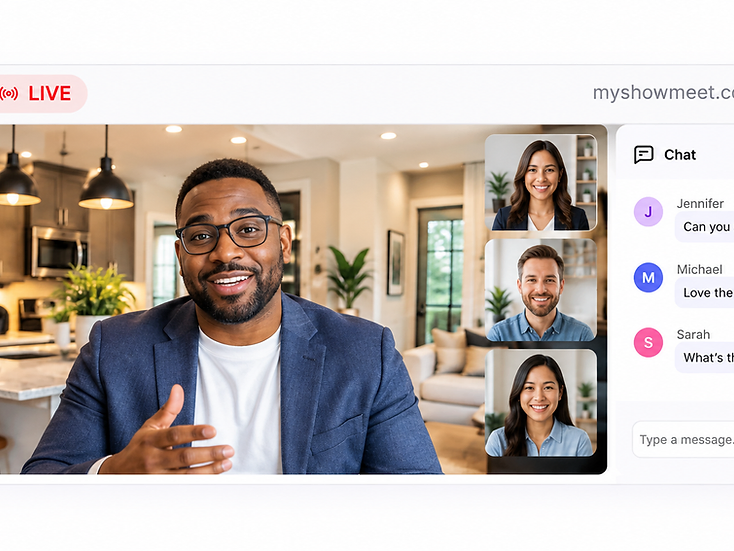
Show what you offer & talk
Present your products, properties, services, or expertise on camera and answer questions in real time.
Step 04
Sell, book, or get leads
Turn the live conversation into orders, appointments, or contact leads before the room ends.
Share your room link anywhere
Every live room gets its own link. Post it on social media, drop it in an email, send it by message — anywhere your customers are. Anyone who clicks joins your live room.
- ✓Social media posts
- ✓Email campaigns
- ✓Direct messages
- ✓Your website or profile
Ready to start your first room?
Create your account and go live with what you offer today.
Create your account